
Equipping AI with Tools
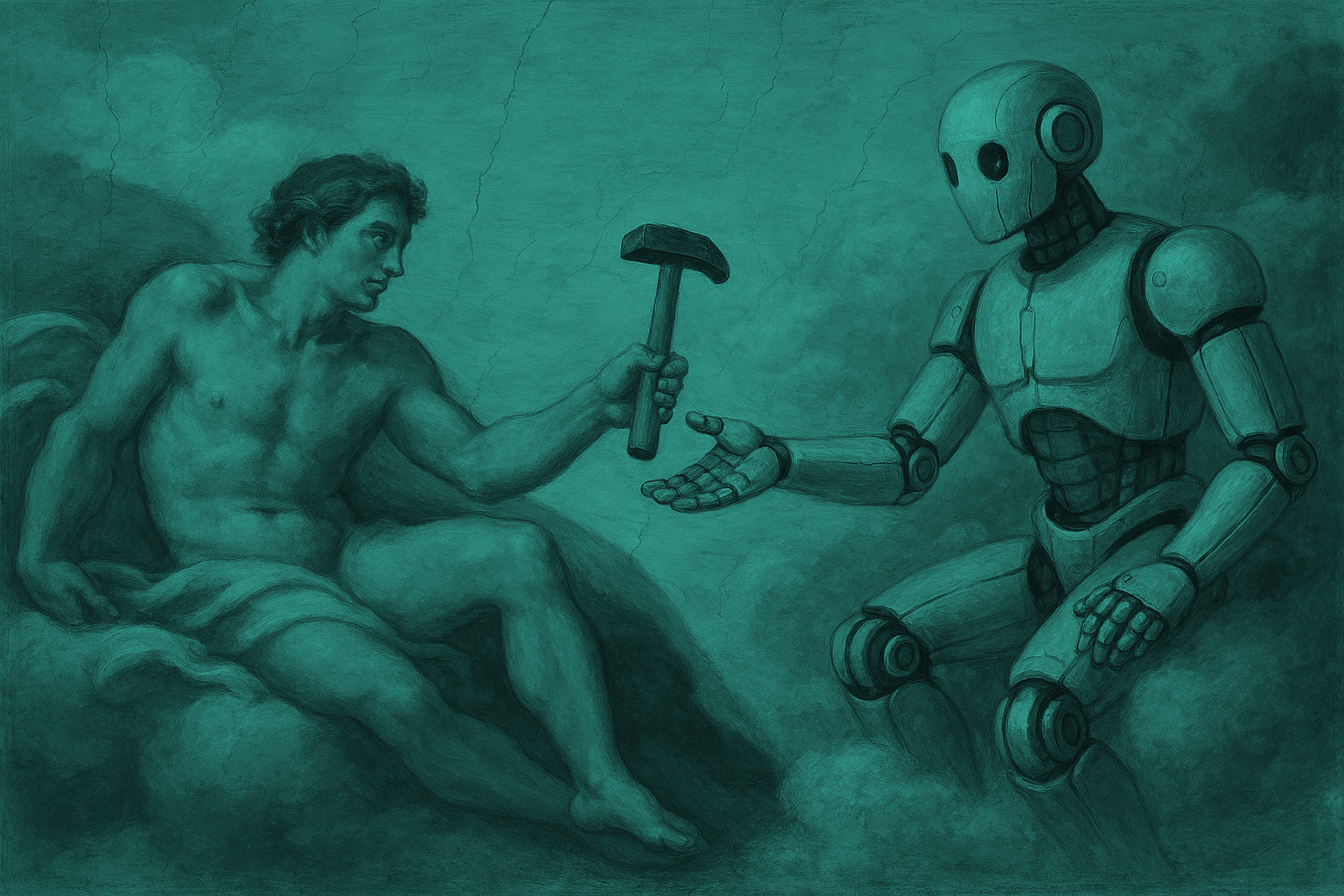
A human, in the clouds, hands down a tool to a robot.
Overview
Like the human race that came before it, AI models have evolved to use tools that augment their own capabilities. Through collaboration with the human race, tools are being built and provided for AI consumption at a breakneck pace. In their wake, a large knowledge gap in understanding has introduced FUD around the associated security/regulatory risks. To deal with this knowledge gap, we present a framework that hopefully guides careful adoption of tools.
It’s important to note that the breadth and depth of this topic exceeds what normally goes into blog style content. There will be simplifications, omissions, and straight up errors. Keep the conversation going and this post will be revised as necessary to keep it relevant.
Definitions
With the ongoing fog of “what the ai is going on here?”, it is important to establish the following definitions. They are only intended for use in the context of this article and may not align with more nuanced use elsewhere.
AI
For the sake of this document, I’m specifically focused on transformer systems.
Control
Method of keeping the business safe, including but not limited to:
Administrative controls (policies, procedures, training, etc.)
Technical controls (system hardening, detective controls, etc.)
Physical controls (offline backups, gapped networks, locks, etc.)
Foundational Model
Any base model published for use including GPT-5.x, Claude-Sonnet, DeepSeek, Gemini, and others.
Risk
Calculated cost of a business disruption based on the product of impact and probability.
Risk Mitigation
Methods to deal with risk potential:
Acceptance
Reduction
Transference
Avoidance
Vulnerability
Any form of state which can be exploited to disrupt a business, including but not limited to:
Software Bugs / Patches
System Configuration
Control Implementation
Personnel
Assumptions
To make the content useful, some key assumptions were made about the context of the intended audience. These assumptions are designed to limit the scope of the conversation, and it does not preclude people who are out of scope from reviewing the material. Just be aware that these assumptions are in play throughout the discussion.
The business has decided to use AI to the fullest extent possible, and “no” is not an acceptable answer.
The use of AI must be defensible from due care and due process perspective.
There may not be a strong understanding of AI or AI systems by the people involved.

Why does AI even need tools?
The foundational models that are regularly used today come built in with many great features or tools right out of the box. OCR, content generation, transcription, NLP, conversational search, etc. are all pretty okay for what they are and the relatively cheap cost they come at for irregular use. I’d wager that most people don’t need much more than this in their day to day.
But
These foundational models are not equipped to work in every case. The rough edges become clear when users try to get the models to tackle obscure tasks, or want to interact with proprietary internal systems that aren’t available for foundational model training. These edge cases are where businesses are rushing to build their “killer app” in the form of an AI offering.
How is AI used
With the very high level understanding of why tools are needed for AI systems, we need to take ANOTHER detour and think about how AI is used. There are a few key methods:
Foundational Model Chat Interface
Allows a user to use a simple chat interface to request and share information with an LLM.
Example: User asks ChatGPT to generate a professionally worded “you’re wrong” email.
CLI Interface
Allows a user to interact with a foundational model in the context of their computer, often with direct access to local files, credentials, and shells.
Example: Developers tasking an LLM to develop new code features.
AI augmented workflows
These are workflows where AI is a step within a broader workflow of more deterministic code.
Example: Large ETL process which leverages AI for an OCR step.
Agentic workflows
These are workflows where the AI is intended to be used directly by the consumer and handle all downstream tasks.
Example: An AI assistant that can create tickets, update records, and other downstream actions.
All of these systems support tool augmentation. However, there will not be much focus on Foundation Model Chat interfaces because those interfaces tend to skew towards end user productivity rather than business function. A different blog on policy, governance, and training is probably appropriate and may come at a later date depending on the ZK rating this article gets.
Types of Tools
There are multiple tools at the disposal of teams who need to build an AI system. Understanding these tools and how to leverage them is critical to the success of your AI initiatives and securing your use of AI.
Prompts
Prompts are the most direct tool we have for setting guardrails for the AI models.
Retrieval-Augmented Generation (RAG)
Gives AI agents access curated and controlled knowledge when generating responses.
API Integration
Provides AI agents information needed to call against a traditional API endpoint.
Skills
Provide agents with reusable function definitions to be invoked as an agent reasons it is required.
MCP
Provides agents with access to tools or systems that can be locally available through standard input/output or over HTTPS.
This list is important to consider and is loosely organized in terms of least risky to most risky (top to bottom).
AI Specific Controls
AI provides some unique controls that should be considered and go beyond your standard security check lists:
Crafting and reviewing your system prompts. These prompts set into motion what the AI agent/model will do when engaged as part of a workflow. While they are not bullet proof, they can help provide a decent starting point.
Protecting your knowledge repositories from tampering. Any data set that is provided as an RAG should be thoroughly evaluated for prompt injections and inaccuracies.
Enforce the use of standardized agent configurations to limit commands / functions.
Ensure AI skills pass through proper source control and security review.
Mandate approval for the use of any HTTPS based MCP server.
External MCP servers should be limited to vendors who have undergone the full third party risk management process.
MCP is often the highest risk option of augmentation and should be chosen when other options are not available.
Assume (and threat model) that every AI in a workflow will take any possible combination of actions available to it.
When granting API based interaction to an AI agent, limit API permissions to what is required only.
When granting MCP access, limit MCP functions to what is required of the agent only.
Human-in-the-loop controls are critical gates to ensure that blast radius of any AI workflow is limited.
Of the 11 controls above, two are worth digging into further.
First is number 8, and that’s assuming that each AI agent will take every possible action it has available to it. The reality is that prompt injections and AI defeat mechanisms still outpace current defense mechanisms. As a result, any potential option you give to an AI system could be exploited even if you did not design or intend that feature to be used. It gets even worse when you consider how chained AI systems may be exploited in chain to disclose information, gain system execution, and/or cause a breach.
Second is number 11 and it recommends the use of human-in-the-loop controls. These are gates in your workflow that require human interaction for the pipeline to continue. Early on in AI adoption, these gates should be placed before action where AI would modify production data or configurations. Human-in-the-loop controls are expensive and limit the potential ROI for AI systems, but can be the difference between a functional production system and a database deletion.
Digging into the Ask
With all the setup out of the way, we can finally pivot towards talking about building secure AI systems. Like any good consultant, the first step is to ask a ton of questions:
Is this a new system?
What AI systems are in use?
What is the business case?
Is this an external or internal facing tool?
What security controls are available for this tool?
What are the limitations of the foundational model?
Where / what kind of sensitive data is in use?
Where is data being stored?
What regulations, policies, and customer contracts impact system design?
What IAM considerations are being made?
What kind of logging and telemetry is available?
Is “Human-in-the-loop” involved?
With these questions answered, your next step is to start threat modeling your environment. Think about:
If the AI system was manipulated, how could it damage production systems?
If there is an impact to production systems, what does recovery look like?
How will you know when (not if) the AI system takes an incorrect action?
Does adding a new tool to the agent significantly increase the risk to system data or security?
Is there a less risky tool/option available that would deliver a similar outcome?
Based on the answers, your final step is to present the knowledge to your business to make the right decision. If you’ve done your job well, you will have studied the implementation of the AI system, the tools it needs to work with, the data it will be working with, and the permissions it will have to do its job. A well vetted AI system, much like a human, will be given all the context and tools it needs to do its job and nothing more.
Wrapping Up
AI is complex and it demands security professionals understand entire security stacks, business logic, and hopes they have enough risk appetite to embrace some awful solutions to complex problems. In my experience so far, many of the controls are so immature that it can be laughable to call them controls in any real sense. That said, we still owe it to give our best with the tools we have to ensure that businesses are making informed decisions, even if they are risky.